

Forum Replies Created
-
AuthorPosts
-
regice112
MemberAkwimos:
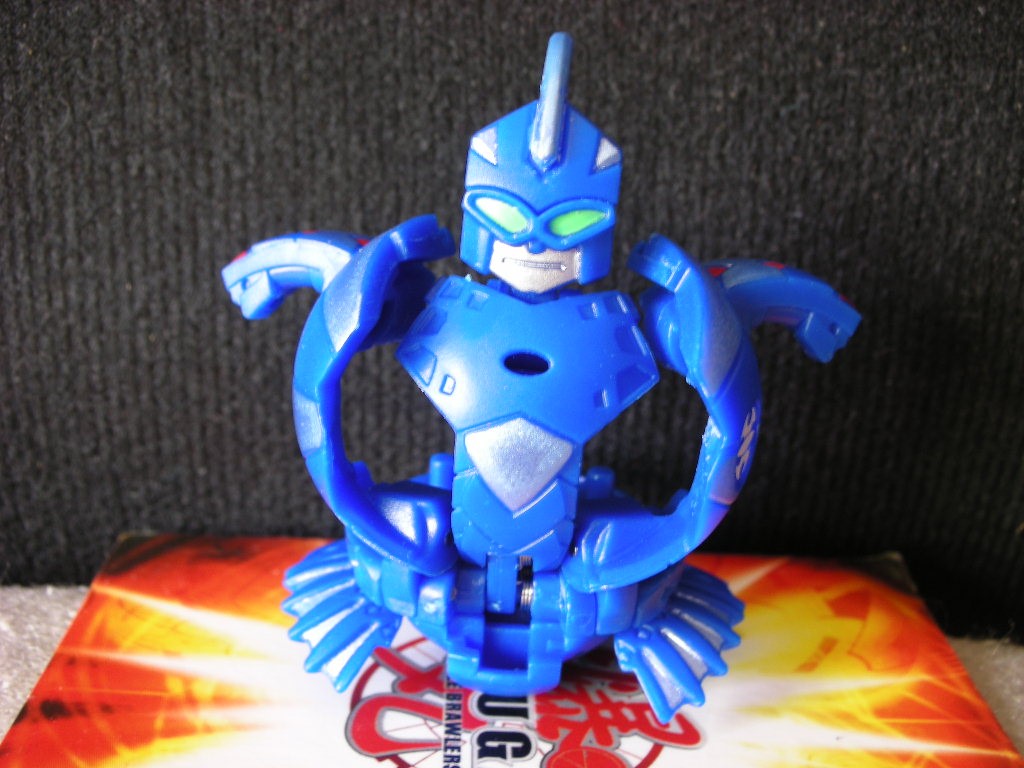 Aranaut:
 Avior:
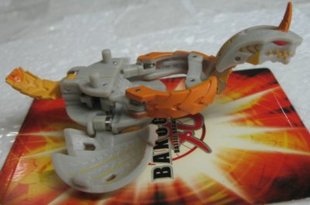 Chance Drago:
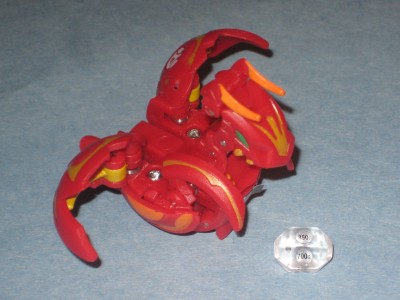 Clawsaurus:[img]http://images3.wikia.nocookie.net/bakugan/images/6/64/%21BlE350wCGk%7E%24%28KGrHqUH-[/img]Coredem:
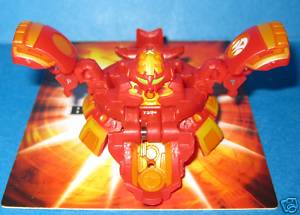 Dharak:
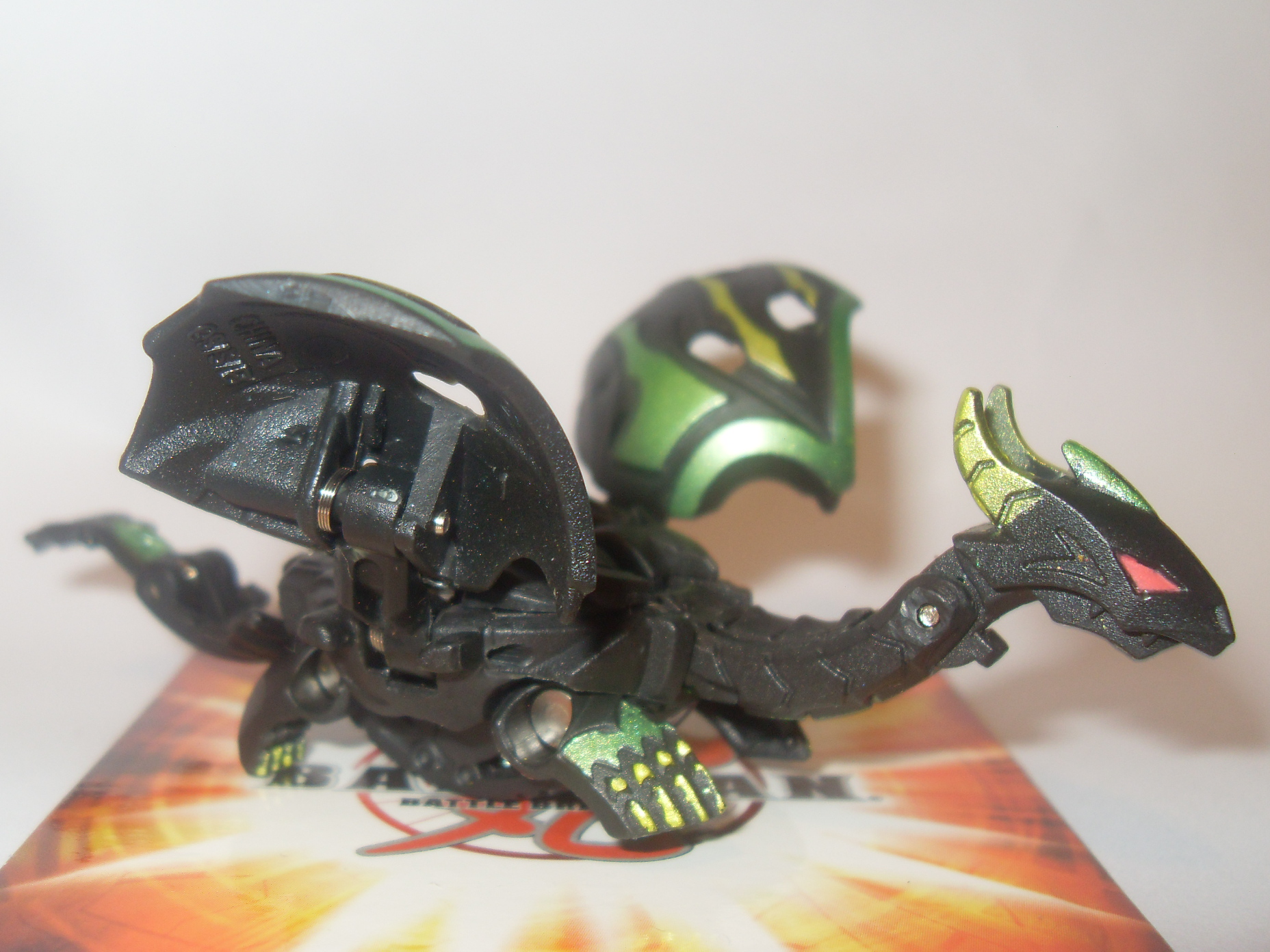 Farakspin:
 Hakapoid*:
 Helix Drago:
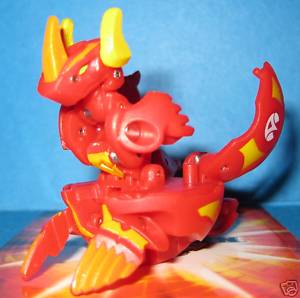 Krakix/Boriates*:
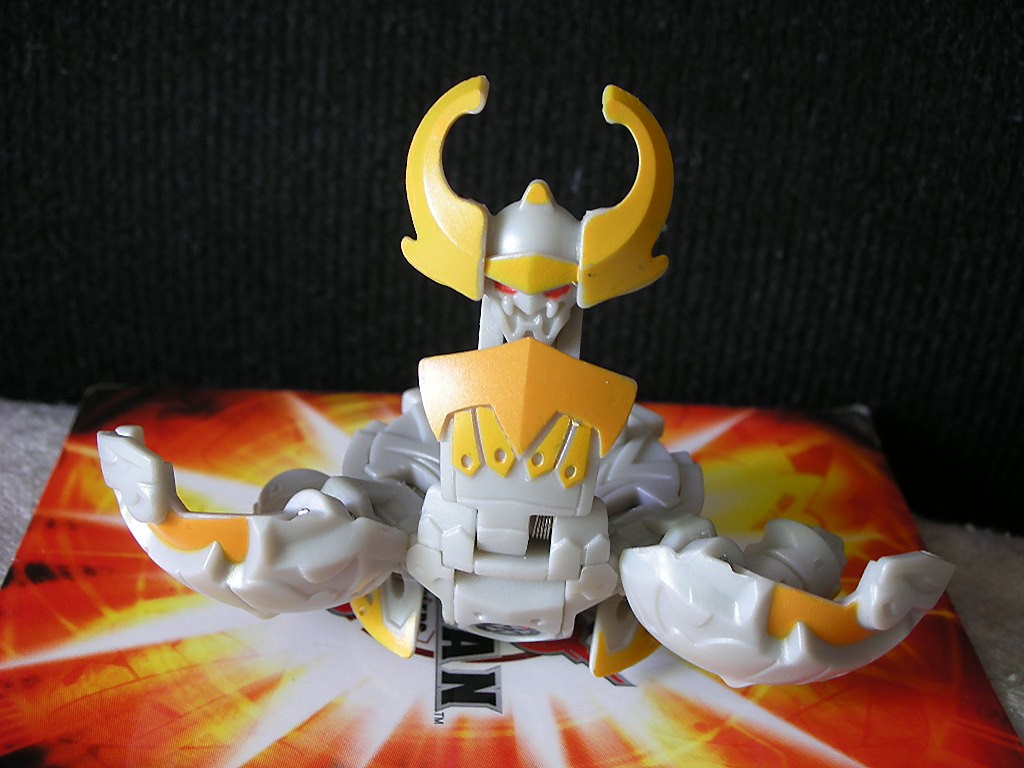 Lumagrowl:
 Lumino Drago*:
 Lumitroid:
 Phosphos:
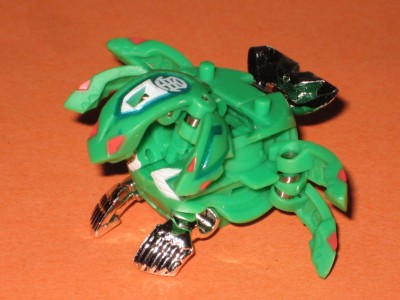 Quake Drago:
 Sabator*:
 Snapzoid:
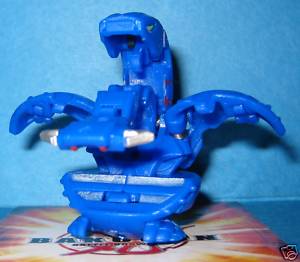 Strikeflier:
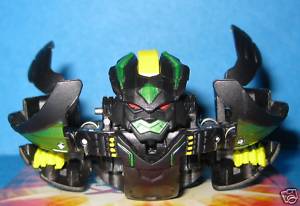 Battle GearTwin Destructror:
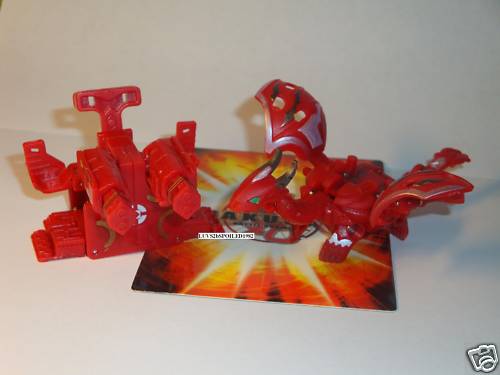 Rock Hammer:
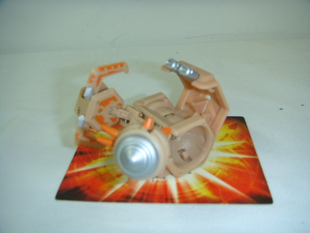 Vilantor:
 AirKor:
 Battle Turbine:
 JetKor:
 UNKNOWN(all are my made up names)Highlander:
 Screecher:
 Insector:
 Axe Vulcan:
 Hyper Warius:Giga Avior:
 Crater Wilda:
 Burst Dragonoid:
 Hammer Fist:
 Veno Mantris:
 Member
Ok kool cant wait to see them.
DARKUS: Phosphos:
 Member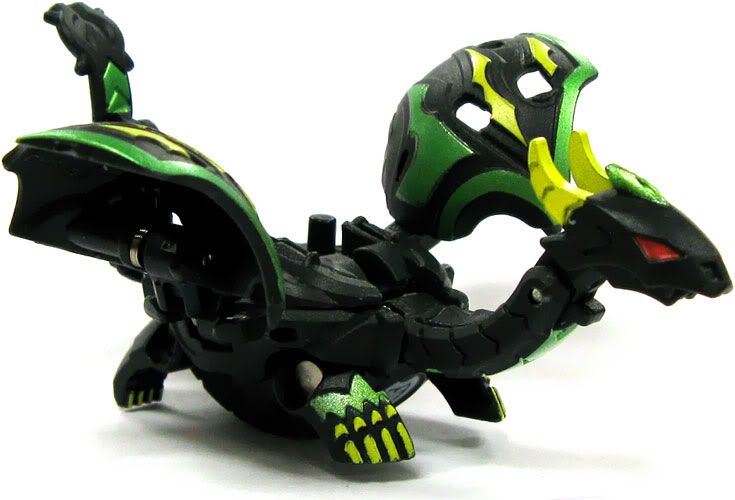
i should have it by next week because i'm making a phosphos today, a coredem tomarrow, and a helix dragonoid sunday
MemberDharak.
send me a pic plz
Memberi'm going to make a gundalian invaders bakugan, just name anyone
February 6, 2010 at 10:43 pm in reply to: Kamen Rider Discussion (Silent Naga’s old topic improved) #367241Member[flash=200,200]http://Name a kamen rider any one[/flash]
..... What's that suppose to mean.
just name a kamen rider
February 6, 2010 at 9:13 pm in reply to: Kamen Rider Discussion (Silent Naga’s old topic improved) #367240MemberName a kamen rider any one
February 6, 2010 at 7:44 pm in reply to: Kamen Rider Discussion (Silent Naga’s old topic improved) #367227Membermost people here have only watched dragon knight. i on the other hand have watched since black rx
Kamen Rider Decade: Final Attack Ride E-E-Epic
February 6, 2010 at 3:54 pm in reply to: Kamen Rider Discussion (Silent Naga’s old topic improved) #367186Member[youtube]http://www.youtube.com/watch?v=DAQk_dj_INo]http://www.youtube.com/watch?v=DAQk_dj_INo[/youtube]
MemberHere's one... Or two. A challenge for sure. I'd like a Preyas Angelo and Diablo, you can leave it Aquos. They should be two seperate ones, one with Angelo only and one with Diablo only. Please don't cut off the ends.-Thanks a lot, in advance.
i can only do angelo unless you can fina an appropiate diablo pic
Membercan i get a lumigrowl in haos or a akwimos in aquos plz 🙂 🙂 🙂 🙂 (awesome) ;D
MemberNo offense buutttt this has to be said:I learned how to do this years ago,all you do is get a screen shot of whatever you want, open it on paint, then cut out your bakugan by using the sqaure thing at the top, now select the straight lines, go other all the parts, fill it with paint using teh fill tool, and Your done, I know how to get the clear background, but Ima keep that to myself Just render it on GIMP, I don't think this needs to be in big font.., So yeah, this is pointless, because people can do it themselves-that's not how i do itHaos-emily
Sure looks like it, Your forgetting I have made sigs, banners and tags, and I was taught this while I was being taught how to make my sigs better ETC, Eitrher way, it looks like thats how you are doing it, Also, because you still have teh white background, it is slowign down computers,I cna teach you how to have no background at all,if you wish
sure start a new topic or make a youtube video on it please
MemberDarkus Macubass, please?
 Member
No offense buutttt this has to be said:I learned how to do this years ago,all you do is get a screen shot of whatever you want, open it on paint, then cut out your bakugan by using the sqaure thing at the top, now select the straight lines, go other all the parts, fill it with paint using teh fill tool, and Your done, I know how to get the clear background, but Ima keep that to myself Just render it on GIMP, I don't think this needs to be in big font.., So yeah, this is pointless, because people can do it themselves-that's not how i do itHaos-emily
Member😮 EPIC!!!!!!!!That is awesome.Could you do one of freezer in darkus please.

-
AuthorPosts